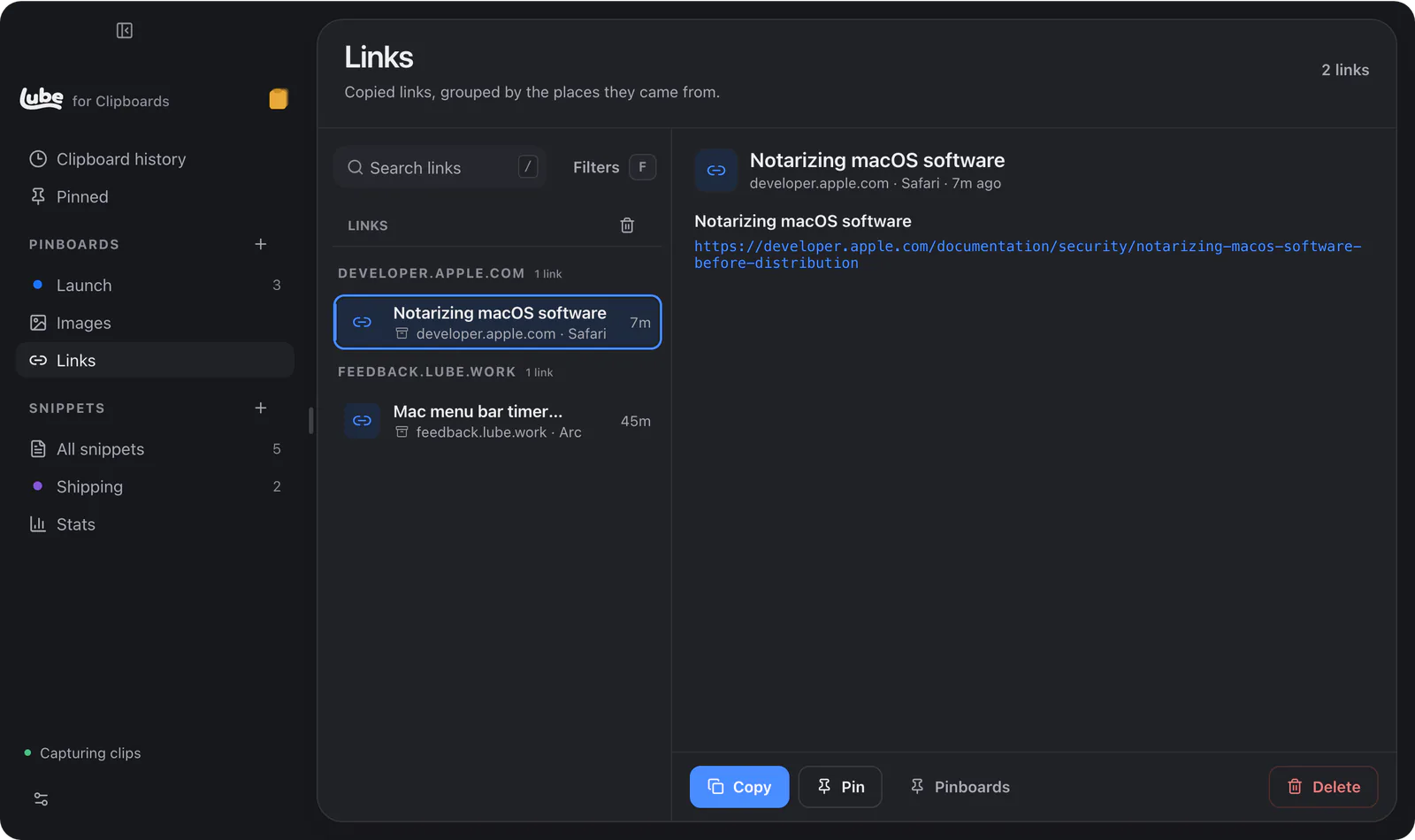


You copied a link an hour ago and now it’s gone.
Lube ClipboardsPrivate beta
Clipboards keeps everything you copy: text, links, images, files and code. Press ⌘⇧V anywhere, find it, and paste it the way you need.



- Your last copy is still thereFind an earlier copy with ⌘⇧V. Paste it with ⌘1 to ⌘9.
- Keeps every kind of clipText, rich text, links, images, files, colours and code, with the app each one came from.
- Finds anythingSearch text, links, file paths, colour codes and the text inside screenshots. Filter by app, site, kind or date.
- Paste it your wayPlain text, any case, tidy JSON, or a link with the tracking stripped. Rules per app.
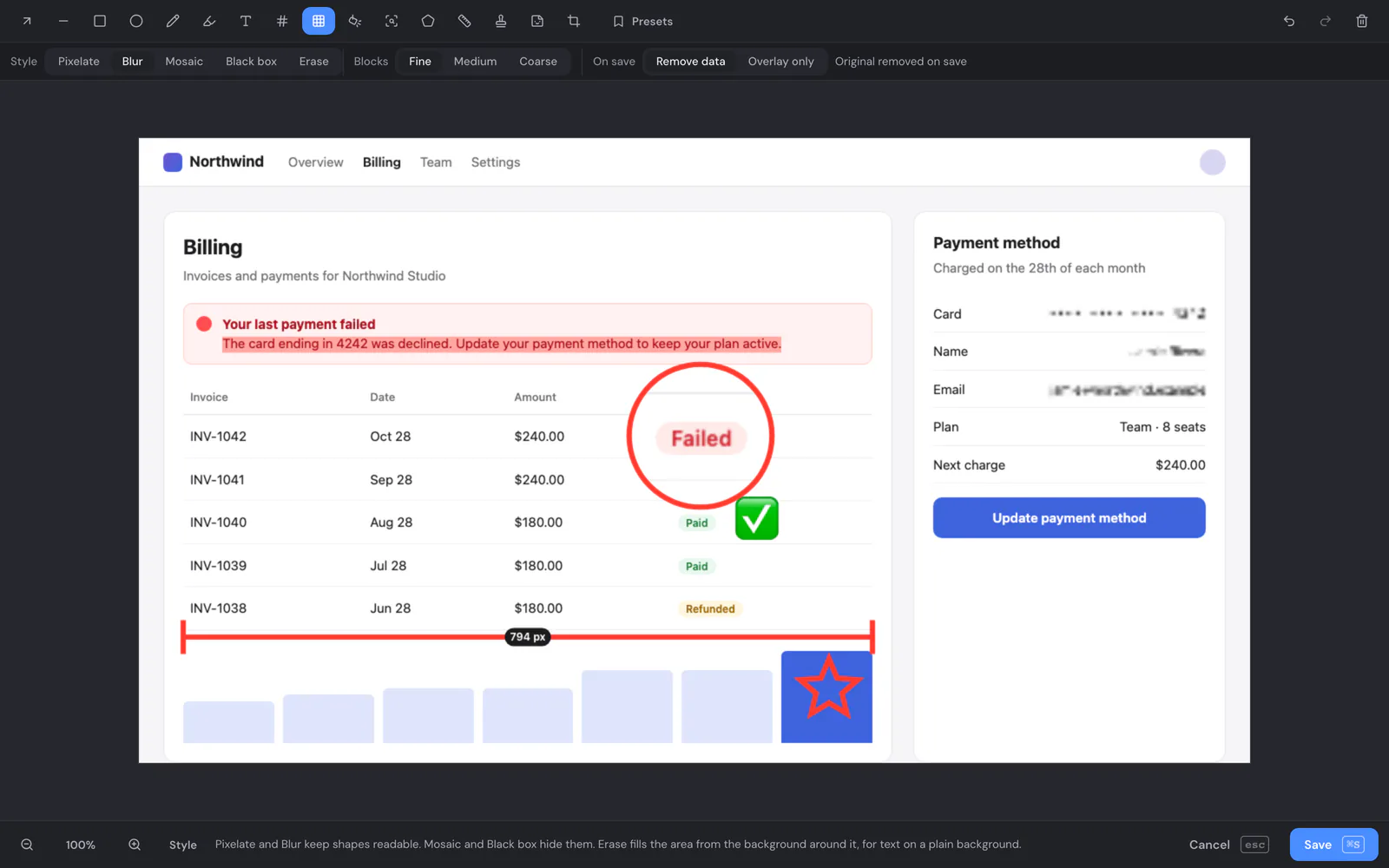
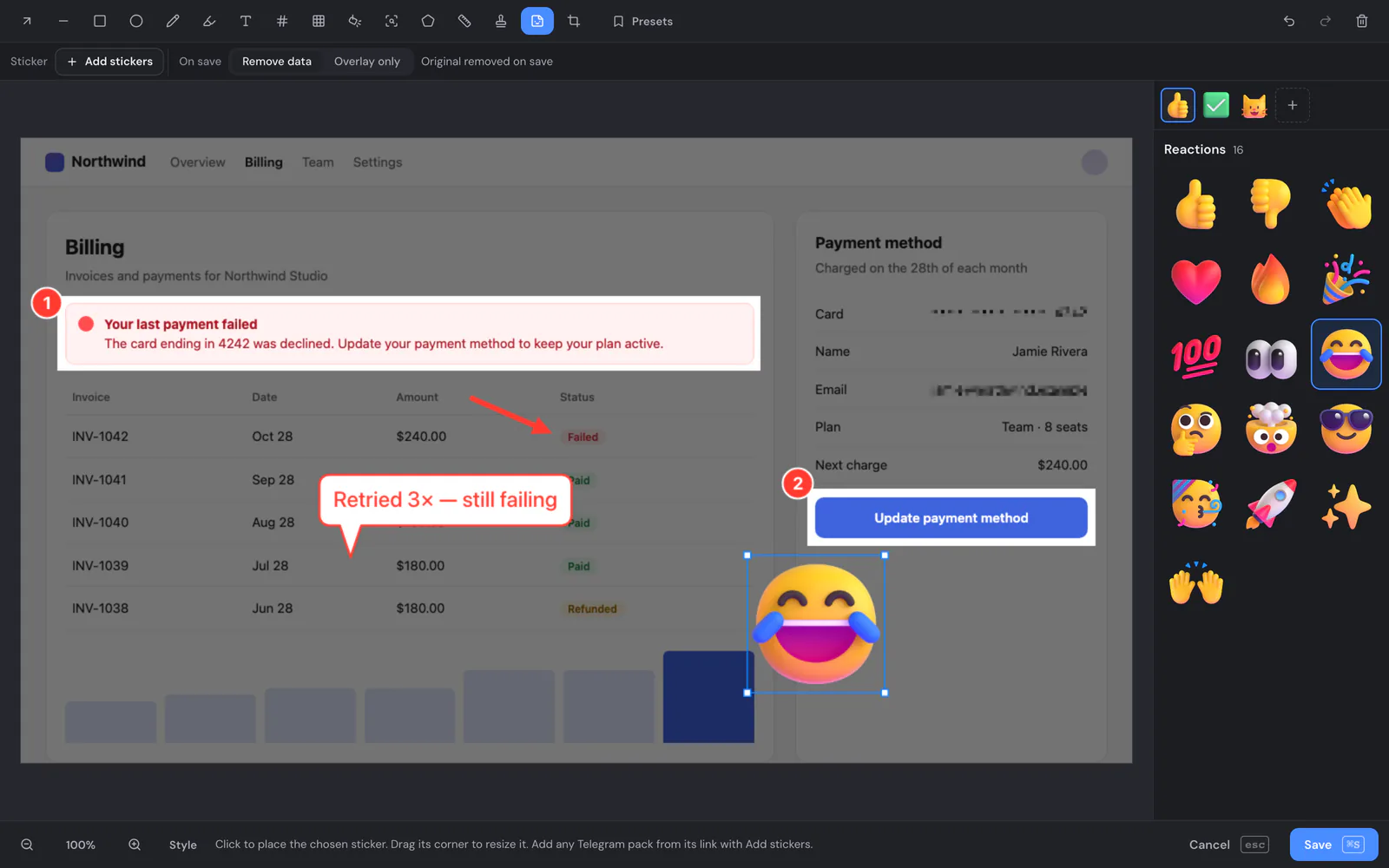
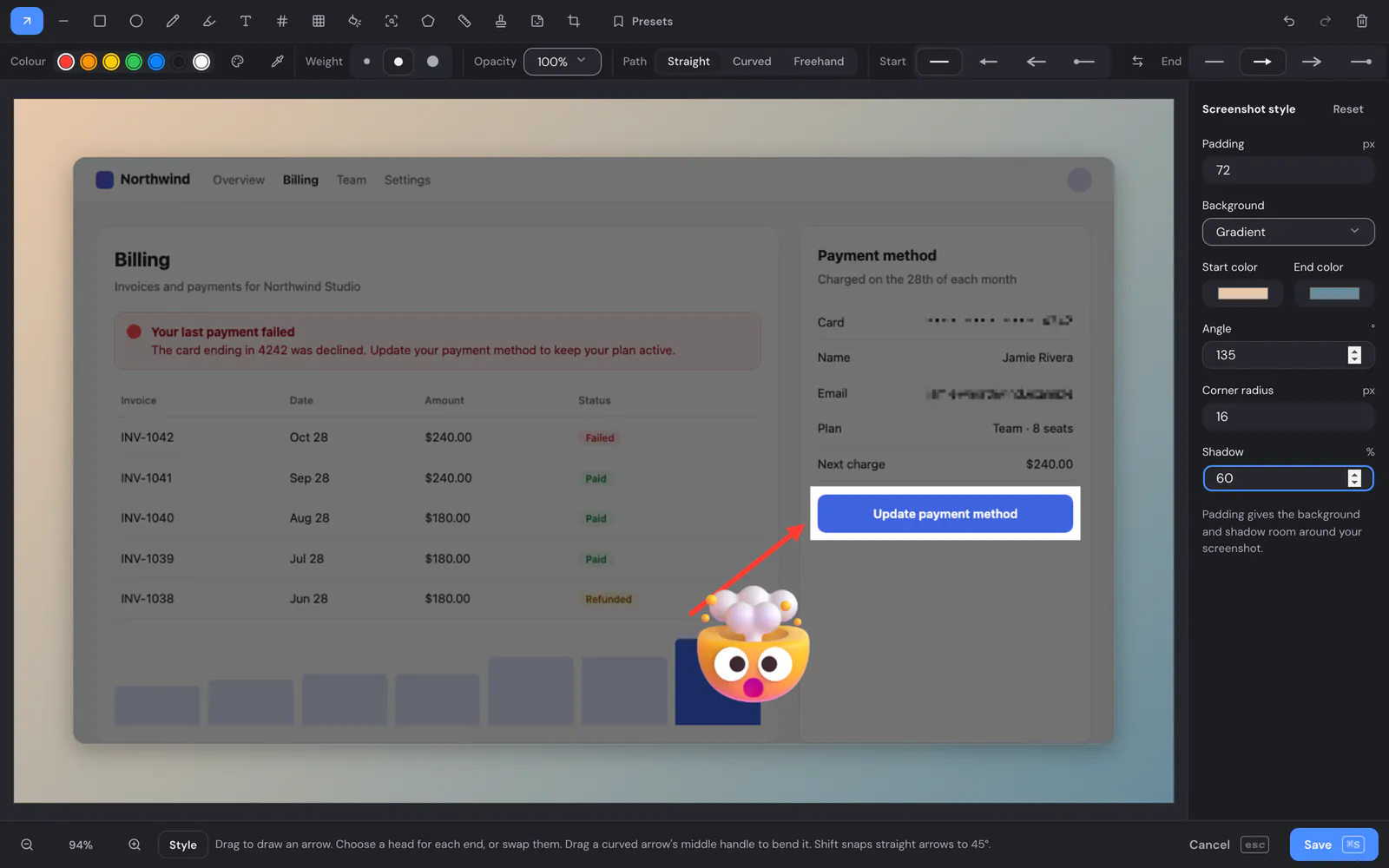
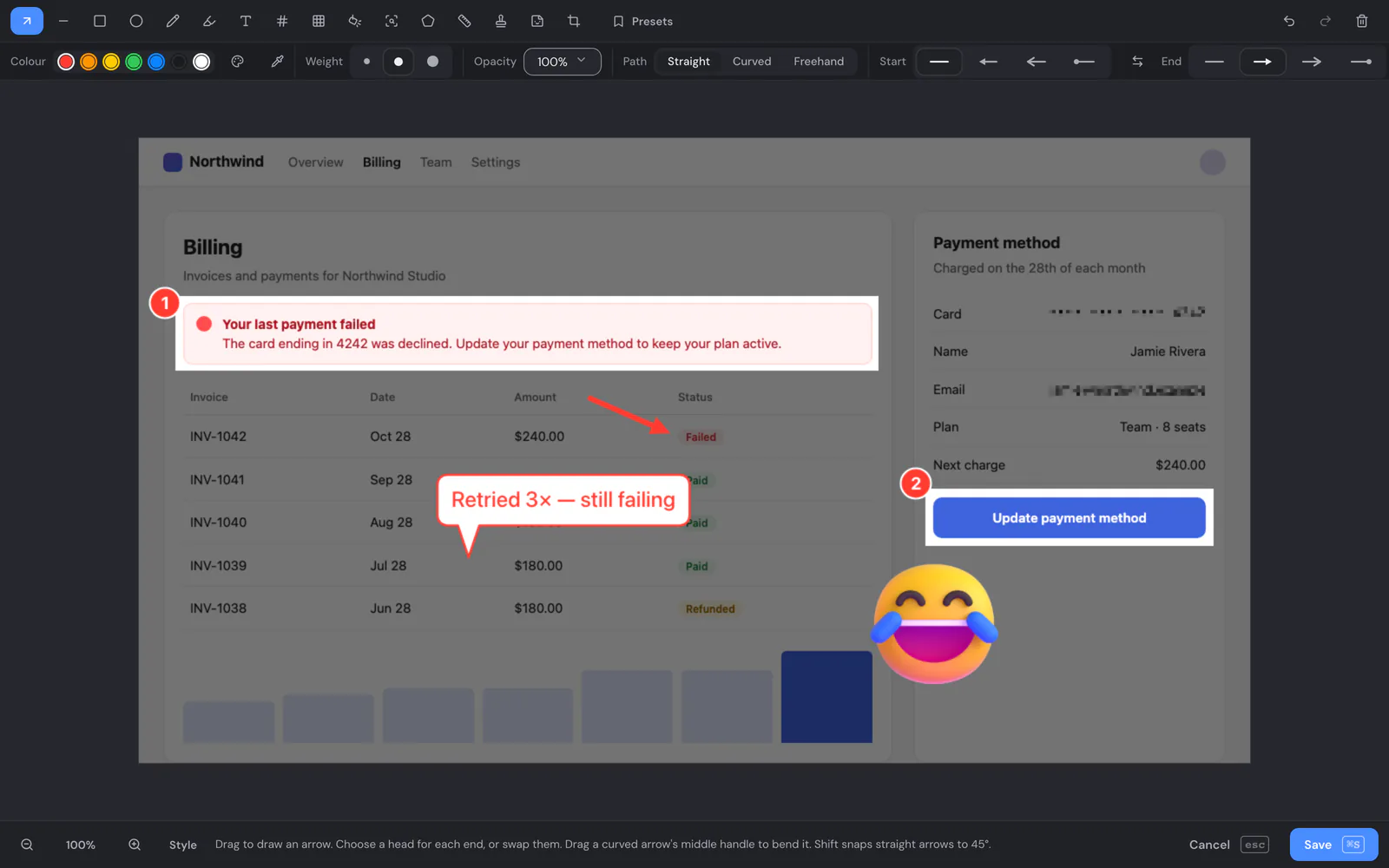
- Screen captureCapture an area, a window or the full screen, record it, or copy just the text in it.
- PinboardsKeep the clips you reuse. Pinned clips never expire.
- Code in 46 languagesHighlighted, and it keeps its colours when you paste it into docs and slides.
- Private by defaultNever records copies from password managers. AI access is off until you turn it on.